Thursday, February 15, 2018

How to add color to your Folk Art Project


Day One:
Watch video and Complete worksheet.
Inspired by traditional art forms and neon colors of the ’80s, artist Kristin Farr explores a legacy of folk art infused with her own contemporary viewpoint. Then Farr shows you how she creates one of her signature paintings: the Magic Hecksagon. Follow along as she measures and designs a hexagon pattern, then add your own magic colors to it! Check out the entire collection of KQED Art School videos!


Magic hexagons from Natalie Hurd


Day Two:

1)  POWERPOINT --->How to create the layout
Follow the step by step instructions and begin creating your design inspired by Kristin Farr

How to make a magic hexagon design from Natalie Hurd


HERE ARE SOME DESIGNS TO INSPIRE YOUR CREATION!!!
you may google Kristin Farr to see more designs, or google HEX Signs
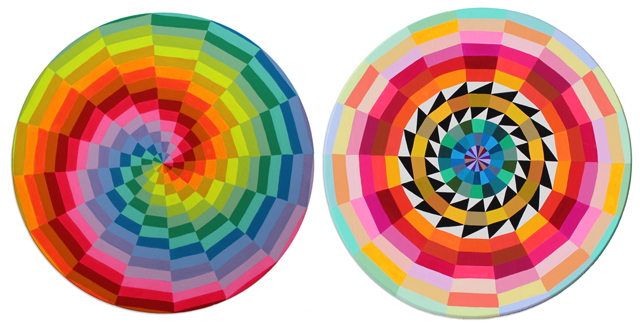
Related image
Image result for kristin farr neo folk art
If you have finished the design for today watch the video and create thumbnail sketch/artist plan
https://ru-clip.com/video/9gpnmZc7F9M/painting-magic-hecksagons-with-kristin-farr-kqed-arts.html
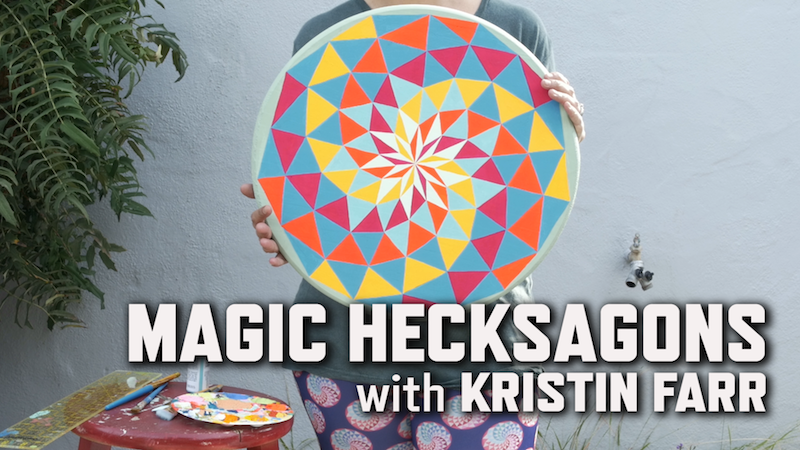
Image result for painting magic hexagons kristin farr

Wednesday, February 14, 2018

Drawing Class- Portrait Project- Peter Max inspired

GREAT WORK FCHS DRAWING CLASSES!!!

Video One:


Portrait Project

Video Two:

FCHS Drawing Class 2018

This has been a wonderful project.  You can find the original post here.  I am so proud of these students.  They all have put in a lot of hard work and effort into creating these 70's inspired Psychedelic Portraits.
Inline image

Tuesday, February 13, 2018

Intro to Art-Typography Demuth

Day Three

Project Objective:
You will be creating a typography design in Microsoft Word.  You will learn how to create a grid using Microsoft word. 

When you are finished you will have something that resembles this below.  You will need to save to your student folder, and you will need to print out 2 copies of your design.

  • Choose 5-7 letters, numbers, & characters to draw.
  • The letters and numbers can have meaning, or they can be completely random.
  • Overlap, twist (rotate), and have letters go partially off the page to make the composition more interesting.
  • Create a design using Microsoft Word.
  • Try to use each of the three types of lettering. Gothic, Roman, Serif, Sans Serif
  • Try to vary the sizes and angles of the letters and numbers.
  • Follow the instructions below.

Instructions:
Creating the Composition
  1. Open Microsoft Word
  2. Create a New Blank Document
  3. Click Layout
  4. Click Orientation 
  5. Click Landscape
  6. Click Align
  7. Click Grid Settings
  8. Check Display gridlines on screen
  9. Type 12 in the Vertical Box
  10. Type 12 in the Horizontal Box
  11. Click Insert
  12. Click Word Art
  13. Choose a letter or number and adjust Font, Font Size
  14. Move the Letter or Number to the desired area on grid
  15. Repeat steps 11-14 creating new letters and numbers in different fonts and sizes.
  16. Double Click on the Heading portion and type your name.

Creating the Grid
  1. Click Insert Shapes
  2. Click Line 
  3. Trace over the all the gridlines using the shape, line tool.
  4. Save to your student folder NOT THE COMPUTER
  5. Print 2 copies of the image.